Nova
It took me several attempts to switch from Microsoft Visual Studio Code to Panic Nova. I think it’s largely a matter of settings and extensions.
Nova is my daily driver now. I share my configuration for inspiration.
General
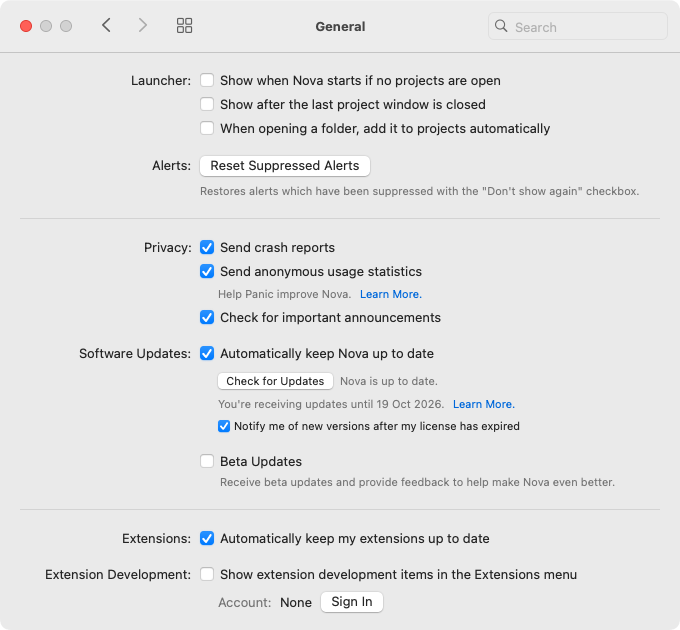
I unchecked everything in the Launcher section:
- Show when Nova starts if no projects are open
- Show after the last project window is closed
- When opening a folder, add it to projects automatically
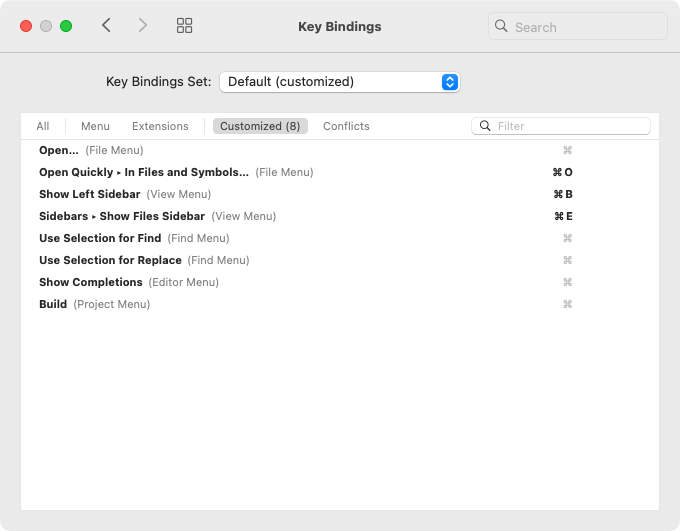
Key Bindings
Workspace
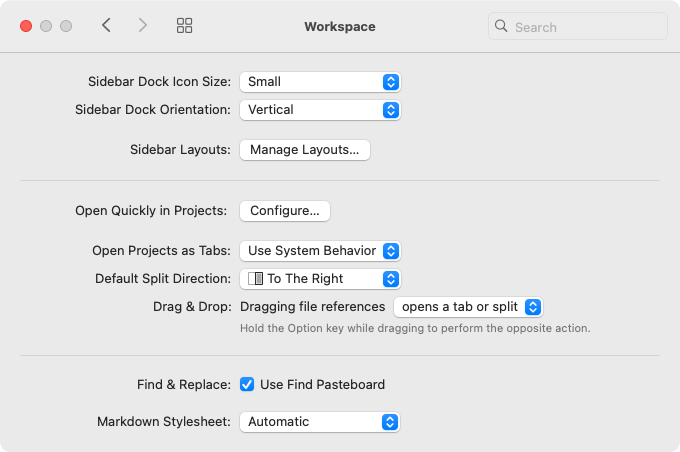
I changed Sidebar Dock Orientation from Horizontal to Vertical.
Files
Ignored Files
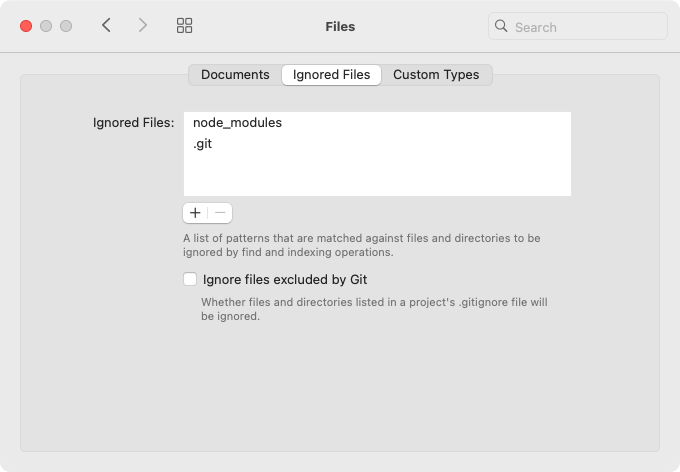
I added node_modules and .git to Ignored Files and unchecked Ignore files excluded by Git.
Editor
Display
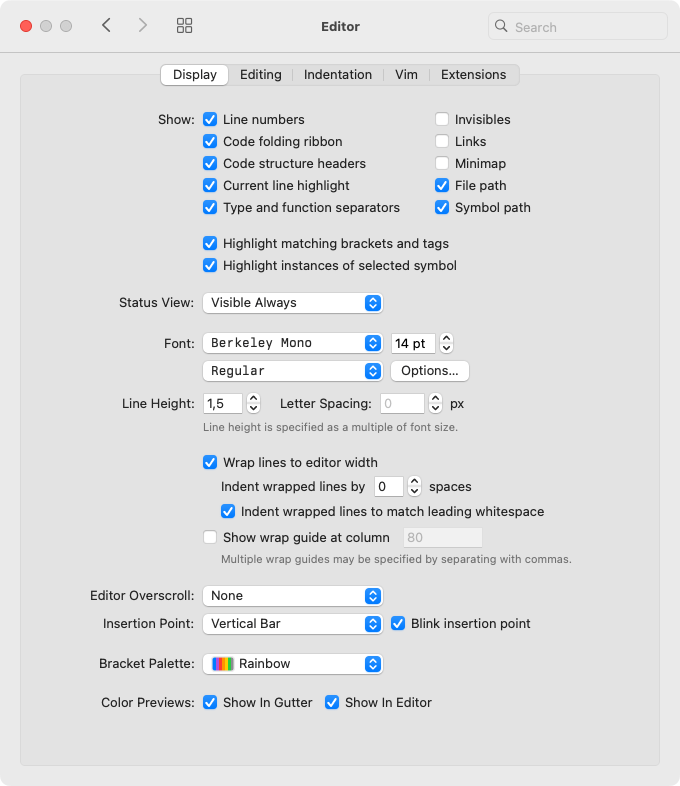
- Checked Type and function separators and Links in Show
- Unchecked Minimap in Show
- Changed the font from Menlo to Berkley Mono
- Changed the font size from 12 pt to 14 pt
- Changed Bracket Palette from None to Rainbow
Editing
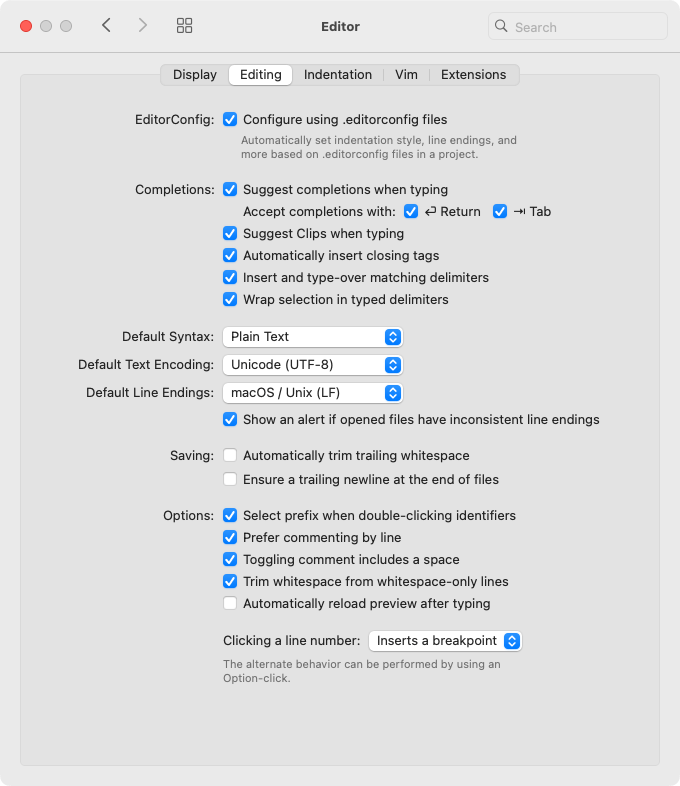
I changed Default Syntax from HTML to Plain Text.
Indentation
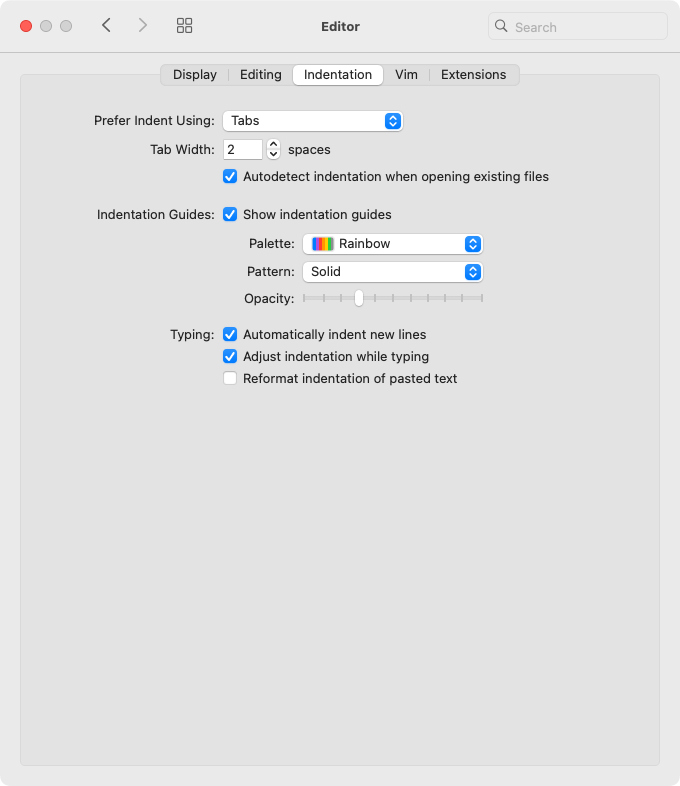
I changed Tab Width from 4 to 2 and unchecked Reformat indentation of pasted text.
Extensions
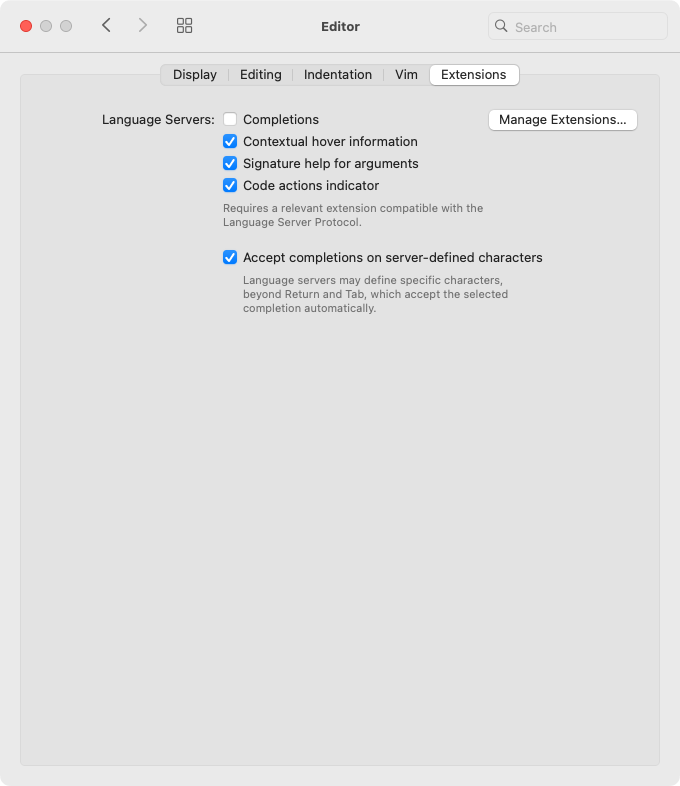
I unchecked Completions to resolve an issue with TypeScript LSP.
Git
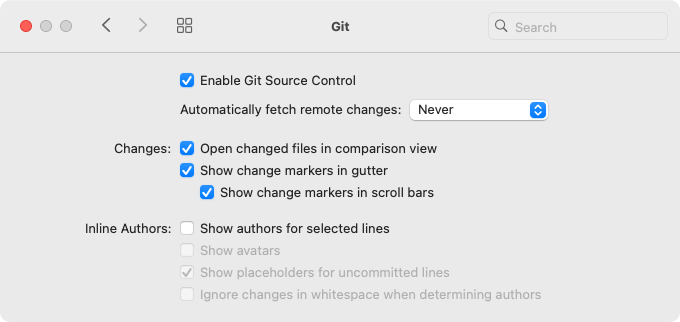
I unchecked Show authors for selected lines.
Terminal
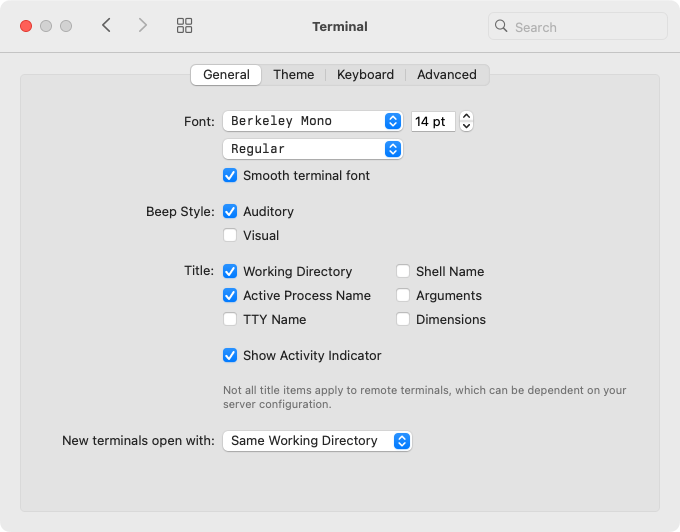
I changed the font from Menlo to Berkley Mono and the font size from 12 pt to 14 pt.
Extensions
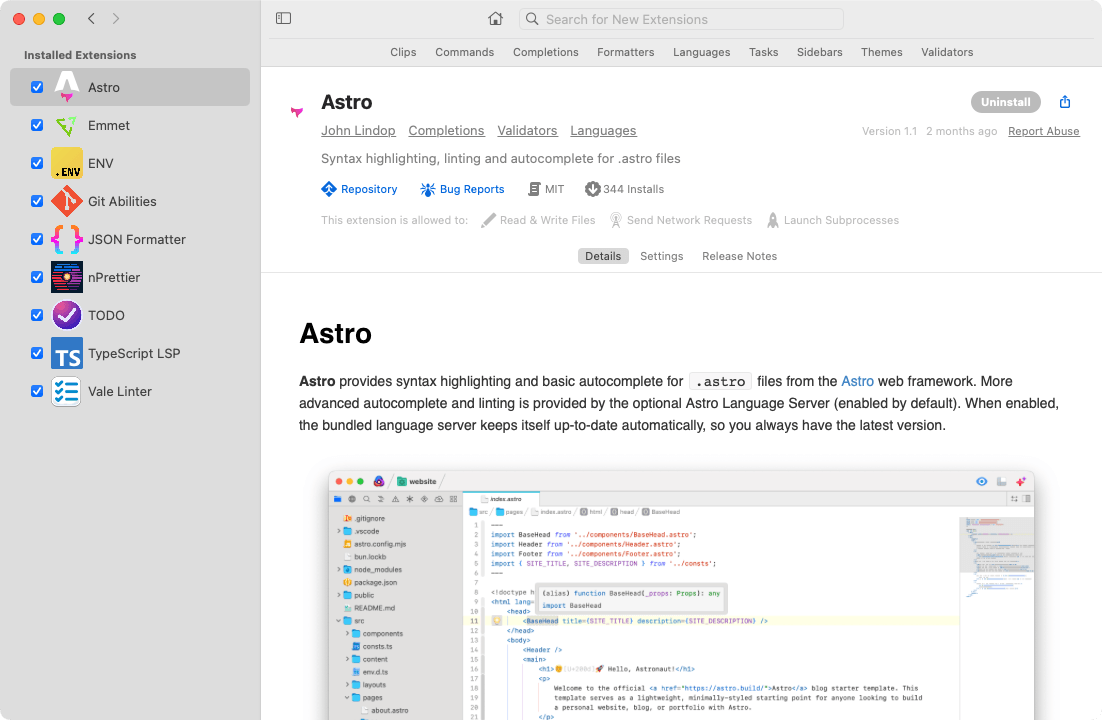
Try Nova
Nova comes as a free, full‑featured trial. Use it for up to 30 days from launch: