CPB2C
Import your CodePen bookmarks to a collection
Congratulations, you’ve reached your CodePen bookmark limit!
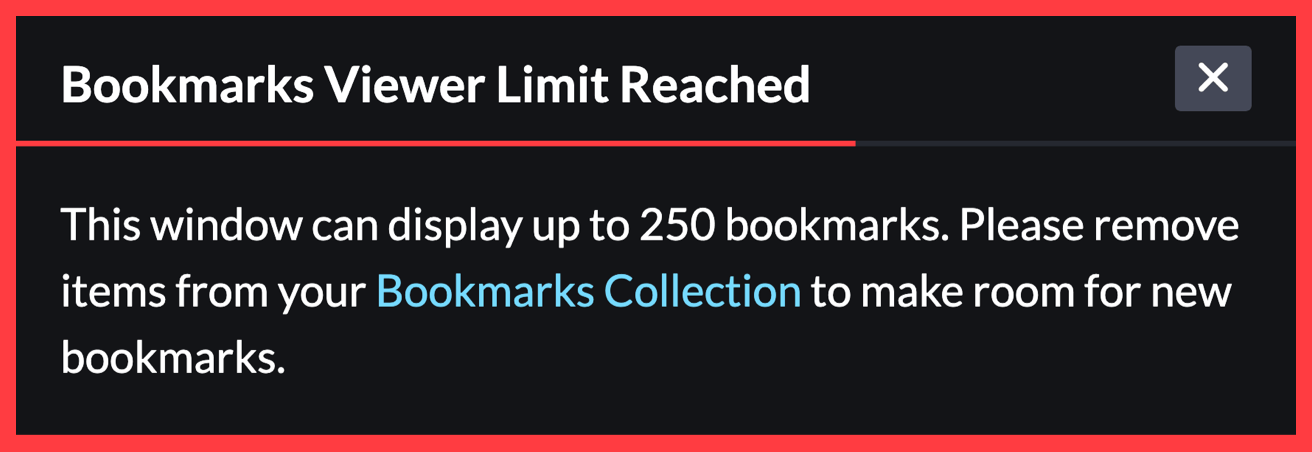

I like CodePen too. Chris Coyier suggested I use the regular collections in CodePen. I get it, but at the same time, I don’t want to have some of my bookmarks in the bookmark collection and the rest in a regular collection. I can add my bookmarks to a regular collection, but I’d have to do it manually—one by one, repeating a few clicks 250 times. That’s booooooring.
I didn’t want to give up CodePen. I decided to figure out how to use that time better:
Landscape
CodePen doesn’t provide a public API. Of course, that doesn’t mean I can’t automate things around it. I could automate the clicking at the operating system level, but I’ve done that recently. On the other hand, it’s been a long time since I’ve created a browser extension.
Browser extension
I don't like it when people do things that only work in Chrome. Fewer and fewer people are testing things in Firefox and other browsers. My extension only works in Firefox. Maybe it will inspire at least one person to install this browser. :)
Firefox extension
If I publish my extension on Firefox Browser Add-ons, it’ll be accompanied by this very uplifting message:
This add-on is not actively monitored for security by Mozilla. Make sure you trust it before installing.
I know the feeling in me when I look for a browser plug-in and see this message. This is not a feeling I want to evoke in you. 🎶…feelings, nothing more than feelings… 🎶 Let’s go on an adventure together!
Firefox adventure
OK, do you have tea and sandwiches? I prepared a Firefox extension for us.
Now we just need to run it in the jungle of your computer. Yes, as if you were creating a browser extension yourself. I want you to be able to see the code before you run it on your computer.
The extension will download your bookmarks, create a new regular collection called Bookmarks, put all of your goodies there, and redirect you to the collection page when it’s done.
The code will not remove your bookmarks, so you can enjoy the Bookmarks Viewer Limit Reached message anytime you want. You’ve earned it. It’s yours.
I assume you have a computer with Node.js, npm, and git in your backpack. Checked? Good! You’ve had 250 CodePen bookmarks’ worth of time to learn how to use those tools, so I believe you know how to use them well (email me if you have problems :).
Install Firefox
Clone the code I prepared for us:
git clone https://codeberg.org/gregwolanski/cpb2c.gitNavigate to the directory:
cd cpb2c- Don’t trust me, look around the code
Install the dependencies:
npm installRun the extension:
npm run start- Choose Continue
- Select the puzzle icon on the right
- Choose the cog icon next to CPB2C
- Select Pin to Toolbar
- Choose the filled puzzle
- Select Log in to CodePen
- Log in to CodePen
- Choose the filled puzzle again
- Select Import your CodePen bookmarks to a collection
- Do you have the tea I mentioned? The import will take a few minutes. I made it this slow so that we can have time to share the tea. And to avoid HTTP 429 Too Many Requests errors from the CodePen API. But mostly for the tea.
- Congratulations, you’ve imported your bookmarks to a collection! :)
January 2026